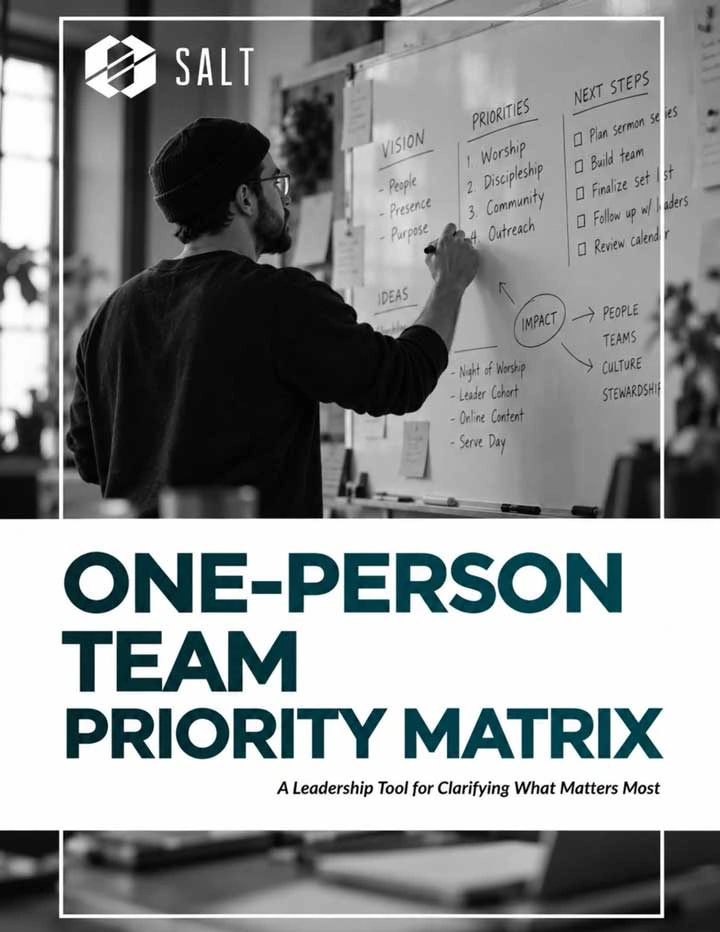
The One-Person Team Priority Matrix is a simple, printable leadership tool for church creatives and staff who carry more than one job description. It walks you through a weekly brain dump, then helps you sort every task into four clear categories based on impact and urgency. A second page turns those priorities into a realistic plan: your three most important outcomes for the week, what can wait, one repeated task to simplify, and who needs an update, a boundary, or a clear expectation from you.
It’s built for the person who runs communications, production, and everything in between, often alone. Use it every Monday to replace the never-ending to-do list with a short, honest plan you can actually lead from. Because you don’t have to do everything to lead faithfully. You just have to protect what matters most.
Sort your week by impact and urgency so you know what comes first
Print it and trade an endless to-do list for three clear outcomes
Spot what to simplify, delegate, or let go before burnout sets in
Your calling deserves creative tools and guidance — download the Creative Potential eBook and find your creative potential!
Testimonials
What the community is saying
Don’t take our word for it – see what members are saying.
“Being around the SALT community has me so excited about the tools and people God is bringing into my life to inspire, encourage, and empower me to live out the Great Commission!”
‒ Mike L.
“Tricia Griffin's Mixed Media Design class was fantastic. She left me, personally, feeling motivated and inspired again, which was something I'd been missing for a long time.”
‒ Kat R
“You will be better equipped to lead people to the feet of Jesus.”
‒ Krista G
I'm the only person on my staff who oversees communications, socials, livestream, website, print, videos, photography, and graphics. It can get overwhelming, but through SALT, I met incredible women who do the same things as me. Now I have someone who understands me and someone I can shoot ideas off of!”
‒ Rachel S.
Begin your searchNo results found
Start searching by typing a keyword phrase.Try adjusting your search terms or browse our content.