0 (0 Ratings)

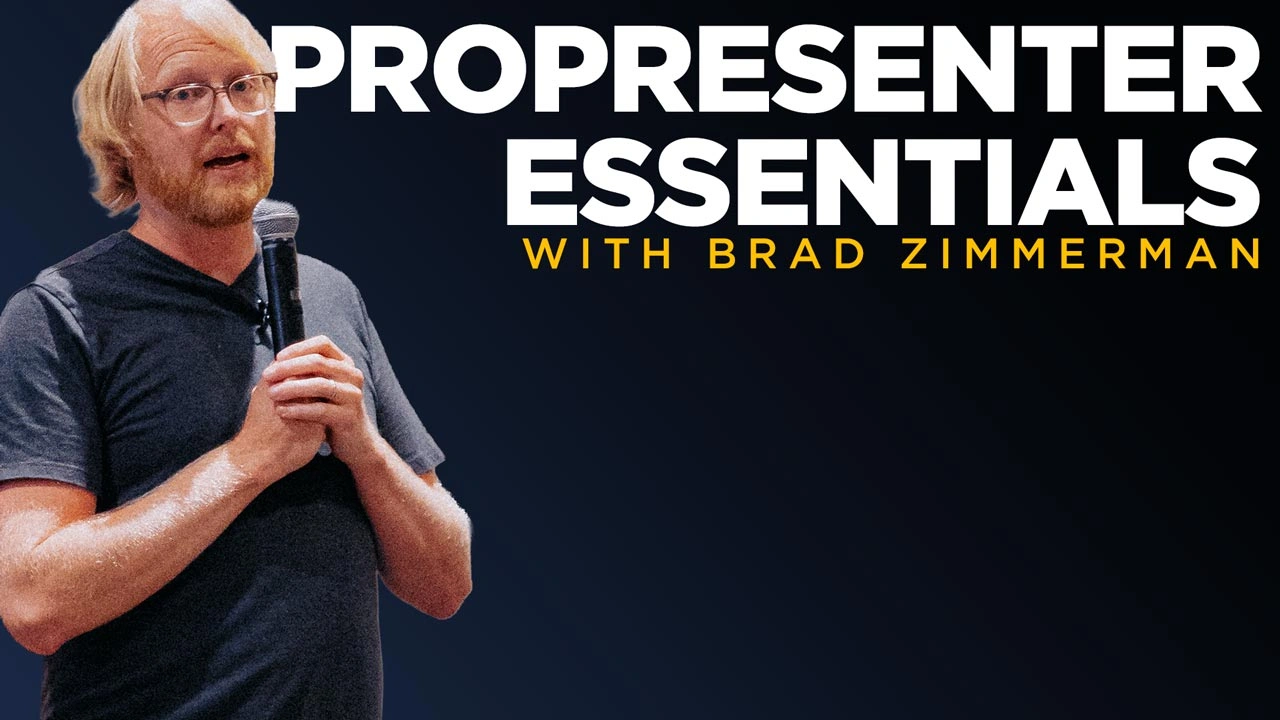
ProPresenter Essentials: A Practical Guide to Presenting Confidently

Running ProPresenter doesn’t have to feel overwhelming! Whether you’re a volunteer suddenly asked to take it on, or a staff member juggling it along with countless other tasks, this session will give you the tools and confidence you need. You’ll learn how to set up screens, keep playlists organized, and use shortcuts like macros and templates to make ProPresenter run smoothly every week. By the end, you’ll know how to simplify your system so anyone—yes, even a brand-new volunteer—can walk in and run it stress-free.

Key Takeaways:

  1. How to configure ProPresenter for reliable Sunday mornings (screens, stage displays, playlists).
  2. Time-saving tricks like actions, macros, and templates to make last-minute changes simple.
  3. A “Sunday Morning Survival Guide” with the checks, quick fixes, and hand-off tips every team needs.

Course Content

ProPresenter Essentials: A Practical Guide to Presenting Confidently

  • The Real Goal of ProPresenter: Amplifying the Message, Not the Software
    02:06
  • Understanding ProPresenter’s Layer System
    02:52
  • Building and Running Worship Lyrics in ProPresenter
    17:09
  • Using Stage Screens, Slide Notes, and Macros for Hosting in ProPresenter
    09:43
  • Using Macros, Stage Layouts, and Audience Looks for Worship Music
    05:52
  • Creating Announcement Loops and Using Layers in ProPresenter
    03:53
  • Teaching Notes & Bullet Reveals in ProPresenter
    11:57
  • Final Thoughts & Encouragement for Church Tech Teams
    01:53

Student Ratings & Reviews

No Review Yet
No Review Yet

Pick a plan