Categories Gear Guides, Lighting
0 (0 Ratings)

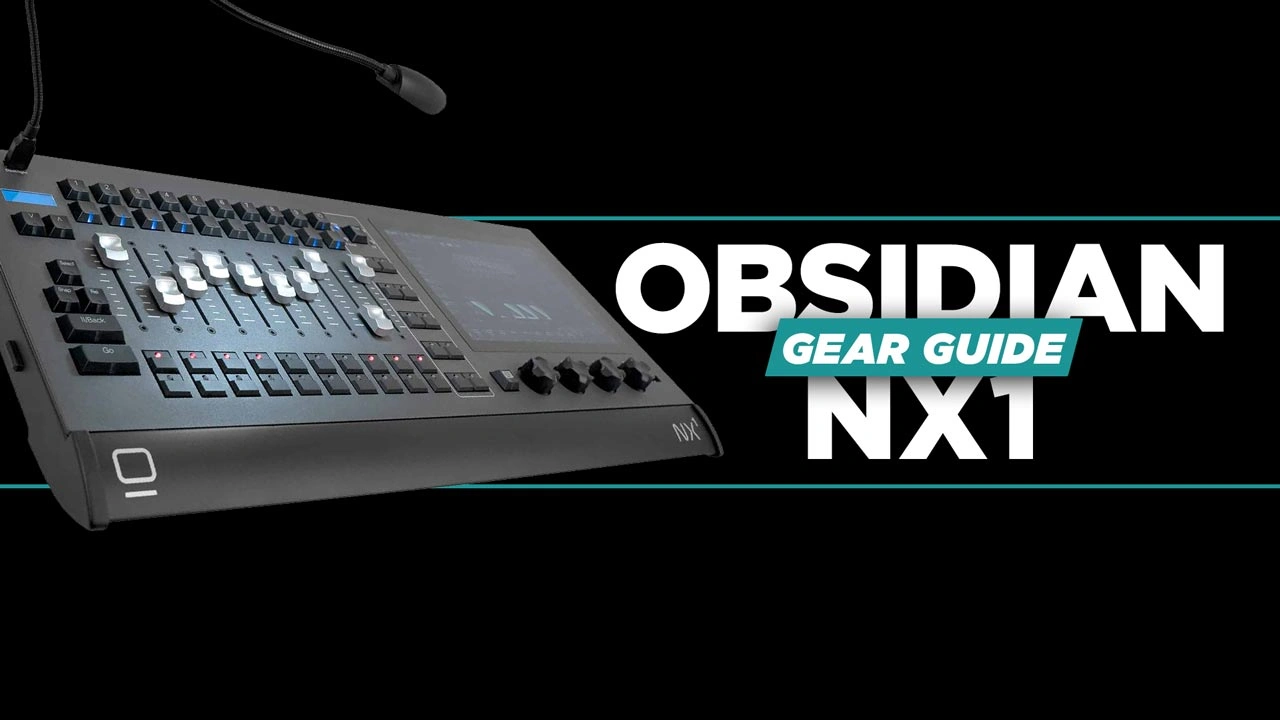
Getting Started with the Obsidian NX1: A Practical Guide for Church Lighting Teams

Learn how to confidently program and operate professional stage lighting using Onyx by Obsidian Control Systems—one of the most powerful and flexible lighting platforms available today.

This hands-on course walks you step-by-step through the complete Onyx workflow, from setting up your system to building dynamic lighting looks for live events, churches, and productions. Whether you’re running Onyx on a PC or a console, you’ll gain the skills needed to control fixtures, create polished scenes, and execute cues with confidence.

Starting with the basics, you’ll learn how to patch fixtures, control essential parameters like intensity, color, and movement, and organize your workflow using presets and groups. From there, we’ll explore more advanced tools such as effects programming, the Dylos pixel mapper, and Onyx’s unique cue blender—giving you the ability to create dynamic, professional-grade lighting designs.

By the end of this course, you’ll be able to build and run a complete lighting show, whether you’re a volunteer, technician, or aspiring lighting designer.

Key Takeaways

    • Build a Solid Programming Workflow
      Master the core Onyx workflow—patching, programming, and playback—so you can create reliable, repeatable lighting setups.
    • Work Faster with Smart Organization
      Use presets and groups to simplify your programming and make quick updates without rebuilding your entire show.
    • Create Dynamic, Professional Lighting Looks
      Use effects, pixel mapping, and cue blending to add motion, depth, and flexibility to your lighting designs.

Course Content

Getting Started with the Obsidian NX1: A Practical Guide for Church Lighting Teams

  • Onyx Hardware Overview and System Planning
    03:02
  • Understanding Onyx Software and Core Concepts
    02:11
  • Patching and Navigating the Onyx Interface
    04:45
  • Using Presets and Building Cues in Onyx
    06:00
  • Groups and Effects in Onyx
    08:20
  • Getting Started with Dylos Pixel Mapping in Onyx
    05:01
  • Mastering the Cue Blender in Onyx
    04:28
Speaker

David Henry

What I will learn?

  • How to set up and navigate the Onyx interface (PC or console)
  • How to patch and control lighting fixtures using DMX
  • How to create and use presets, groups, and cues
  • How to program effects and movement for dynamic looks
  • How to use the Dylos pixel mapper for pixel-based lighting
  • How to use the Cue Blender for multi-function fader control

Target Audience

  • Beginners with little to no lighting experience
  • Church and live event volunteers (AVL teams)
  • Lighting technicians looking to learn Onyx
  • Anyone wanting to program stage lighting more efficiently

Student Ratings & Reviews

No Review Yet
No Review Yet

Pick a plan