Categories Gear Guides, Lighting
0 (0 Ratings)

Getting Started with the LightKey: A Practical Guide for Church Lighting Teams

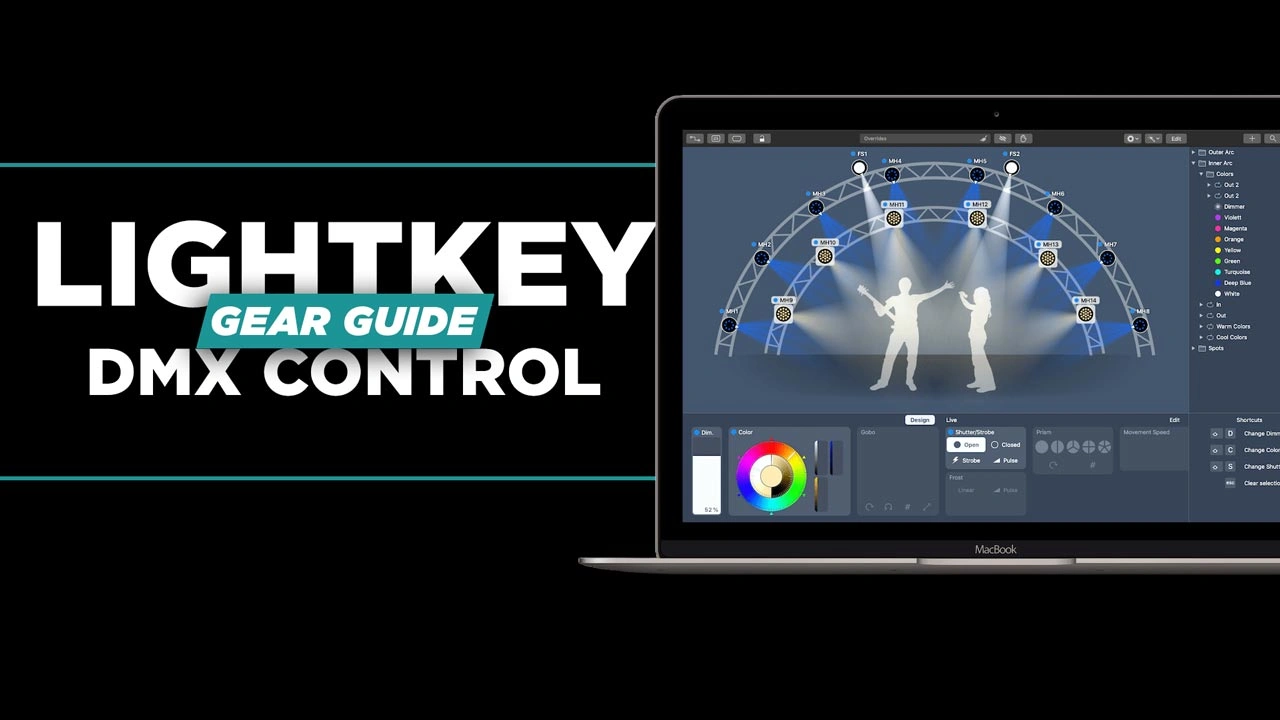
Learn how to design, program, and run professional lighting using Lightkey, a powerful yet intuitive solution built specifically for Mac users. This course walks you step-by-step through the entire workflow, from creating your first project to building dynamic lighting cues for live environments.

You’ll explore how to patch and organize fixtures, visualize your stage layout, and use Lightkey’s streamlined interface to create polished lighting looks with ease. The course emphasizes practical techniques like building preset palettes, programming effects, and structuring cues for real-time control.

Designed for beginners and intermediate users alike, this course is ideal for small to mid-sized setups such as churches, events, and live productions. No prior lighting experience is required—just a Mac and a desire to create impactful lighting.


Key Takeaways:

    • Set Up and Control Your Lighting System
      Understand how to configure DMX output, patch fixtures, and build a functional lighting setup from scratch.
    • Create Organized, Reusable Lighting Designs
      Use presets and palettes to efficiently build, manage, and update lighting looks without starting over each time.
    • Run and Automate Live Lighting Cues
      Operate lighting in real time using cue buttons, grouping techniques, and external triggers like MIDI for consistent, hands-free control.

Course Content

Getting Started with the LightKey: A Practical Guide for Church Lighting Teams

  • Getting Started with Lightkey: An Introduction to Mac-Based Lighting Control
    02:14
  • Setting Up Your First Lightkey Project
    04:17
  • Grouping Fixtures and Calibrating Your Lights
    02:25
  • Controlling Lights in the Design Tab
    02:09
  • Building Presets, Cues, and Effects in Lightkey
    05:40
  • Lightkey Workflow Recap and Automation Tips
    01:55
Speaker

David Henry

What I will learn?

  • How to set up DMX output using USB or network (sACN)
  • How to patch, address, and organize lighting fixtures
  • How to build and arrange a visual stage layout for programming
  • How to create and use preset palettes (color, position, effects)
  • How to design dynamic lighting looks and transitions
  • How to build and trigger cues for live playback
  • How to group fixtures for faster, more efficient control
  • How to create and customize lighting effects
  • How to automate cues using MIDI or external triggers
  • Best practices for keeping your lighting workflow organized and scalable

Target Audience

  • Beginners who want to learn lighting control from scratch
  • Church tech teams and volunteers managing weekly services
  • Event producers and small production teams
  • Mac users looking for an easy-to-learn lighting software
  • Intermediate users seeking a faster, more organized workflow
  • Anyone running small to mid-sized lighting systems (up to ~50 fixtures)

Student Ratings & Reviews

No Review Yet
No Review Yet

Pick a plan