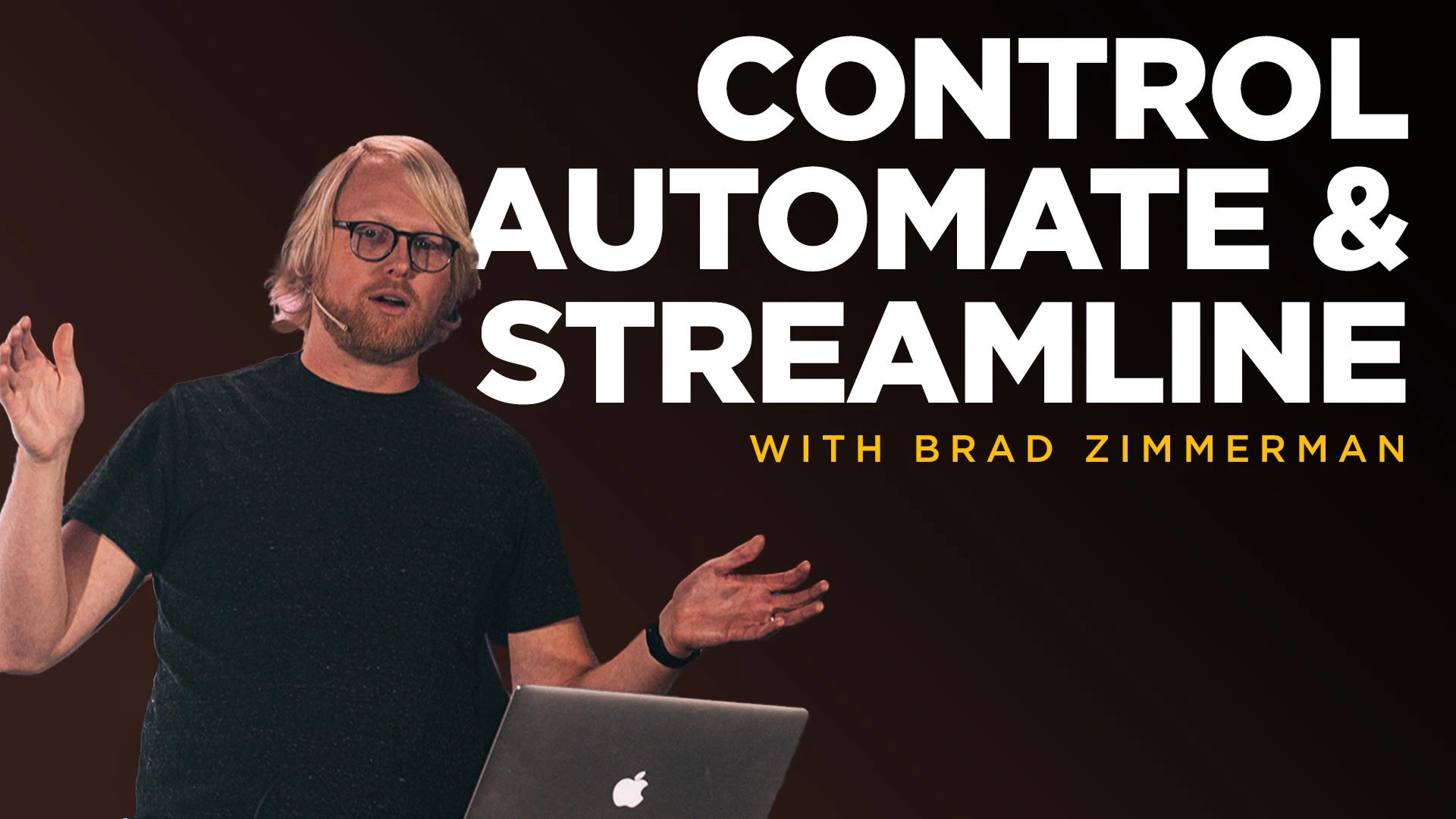
Control, Automate and Streamline

Working in production environments can be overwhelming. There are so many little details you need to remember to make Sunday’s or even a kids classroom work consistently without troubleshooting or technical background. So in this workshop we will go in-depth on how you can streamline your systems, eliminate unnecessary work and make technology way easier for your volunteers. By the end you will be able to transform any environment that uses production gear into a low maintenance, easy to use space. 

Learning Objectives: 
– How to control ProPresenter, Audio Consoles, projectors/tv’s, lighting & more with Companion.
– How to eliminate the keyboard/mouse and integrate Streamdecks into production areas or mount them in classrooms
– Practical ways to streamline workflows using automation.
– How to leverage ProPresenter fully in your environments.

Course Content

Lessons

  • Introduction
    10:43
  • Streamdeck Overview & Installation
    14:47
  • Companion
    20:28
  • Programming Buttons on the Streamdeck
    21:09
  • Programming Multiple Actions and Feedbacks
    13:41
  • Building Your ATEM Page
    12:50
  • Triggers, Settings, & Surfaces
    19:36
  • Using Streamdecks with ProPresenter7
    34:31
  • Companion and Remote Titling in ProPresenter7
    19:38
  • Programming Lighting Automation
    10:21
  • Q&A
    31:41
Speaker

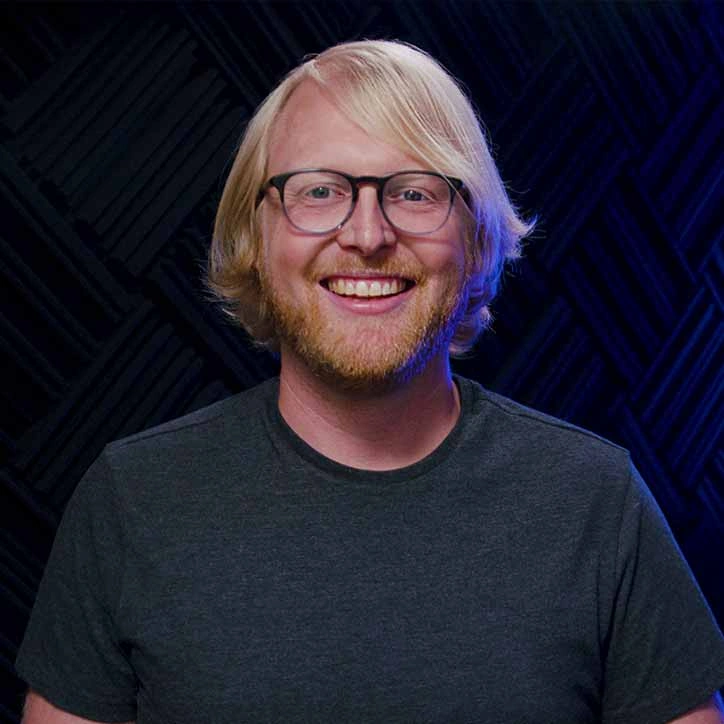
Brad Zimmerman

Brad is the founder of Church Media Drop and known as "the Propresenter Guy" as he's been the face of the official ProPresenter training videos the last few years. He is passionate about resourcing churches to share the gospel, so he created ChurchMediaDrop.com, a free media-sharing site. He also hosts the official ProPresenter training videos. Brad loves playing music, building Legos, and trying new and creative things.

Student Ratings & Reviews

No Review Yet
No Review Yet

Pick a plan